Precision cutouts
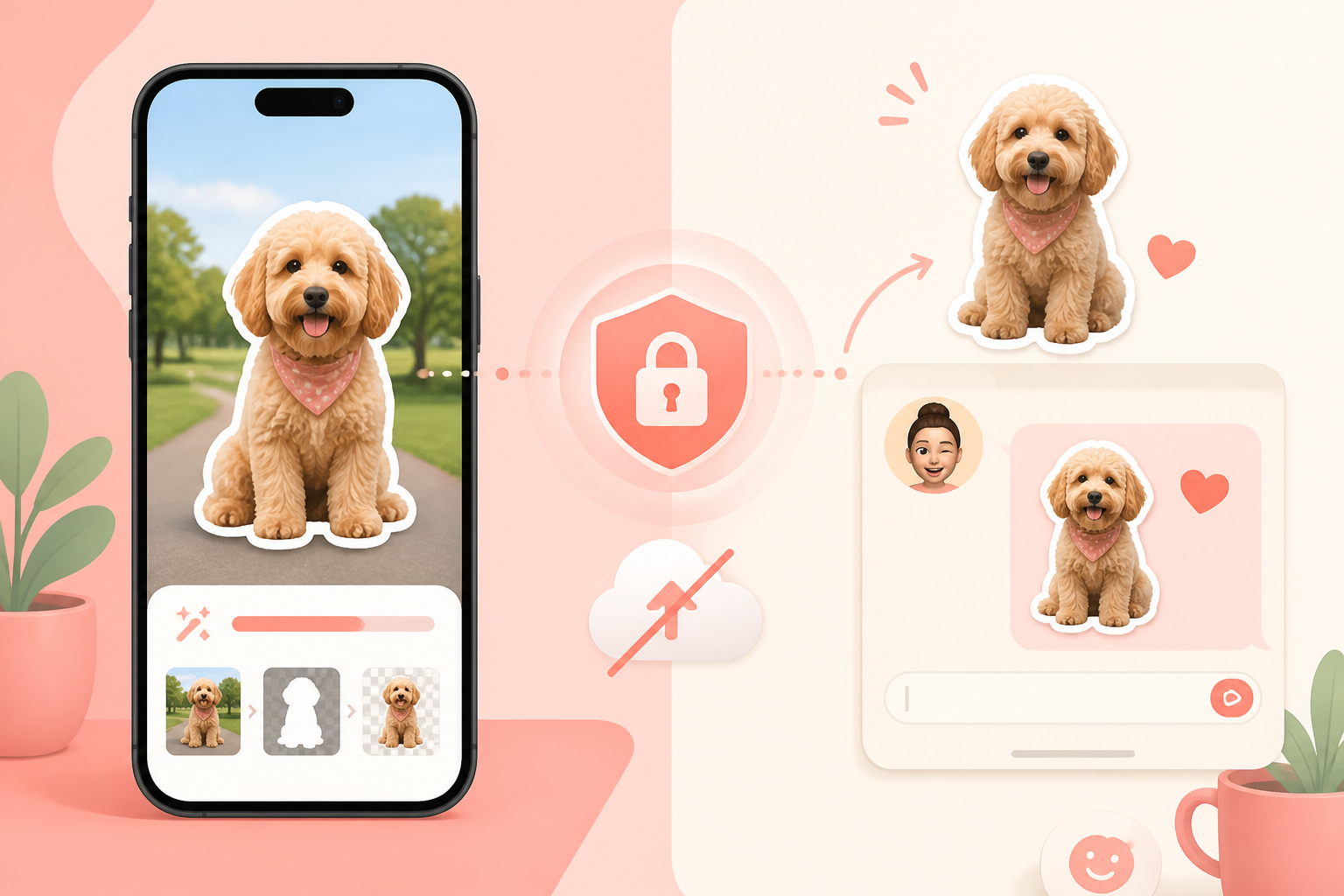
Feather edges, expand or shrink masks, defringe color spill, fill holes, and refine with an eraser or Apple Pencil.
Private sticker studio for iPhone
Cut out faces, pets, memes, and GIFs on your iPhone—locally, with no account and no upload. Style layers, save sticker packs, and share polished PNG stickers to the chats you use every day.
Free to start · 8 editable templates · Lifetime Pro available · iOS 17+
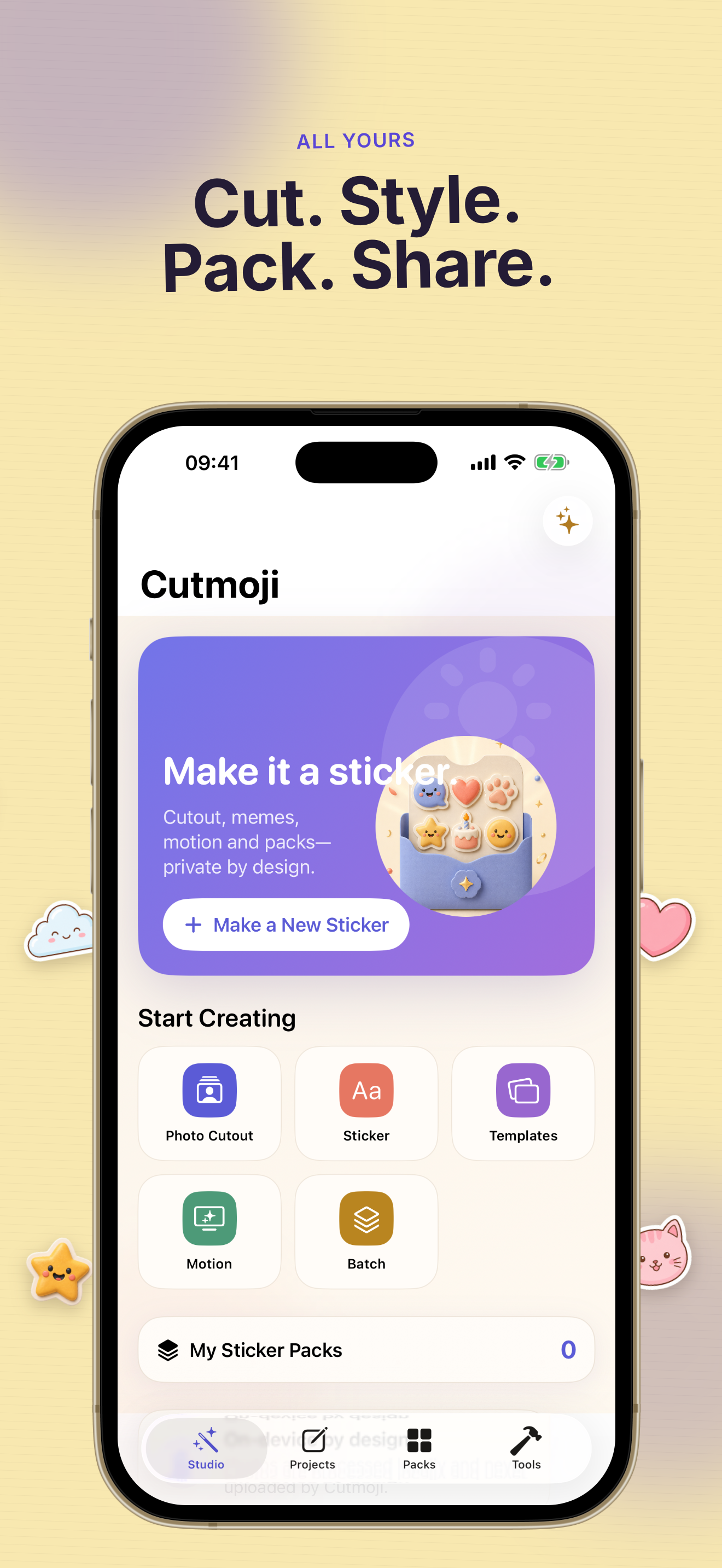
Scroll through real Cutmoji: Sticker Maker screens—cutout, layers, templates, packs, and export presets built for everyday chats.
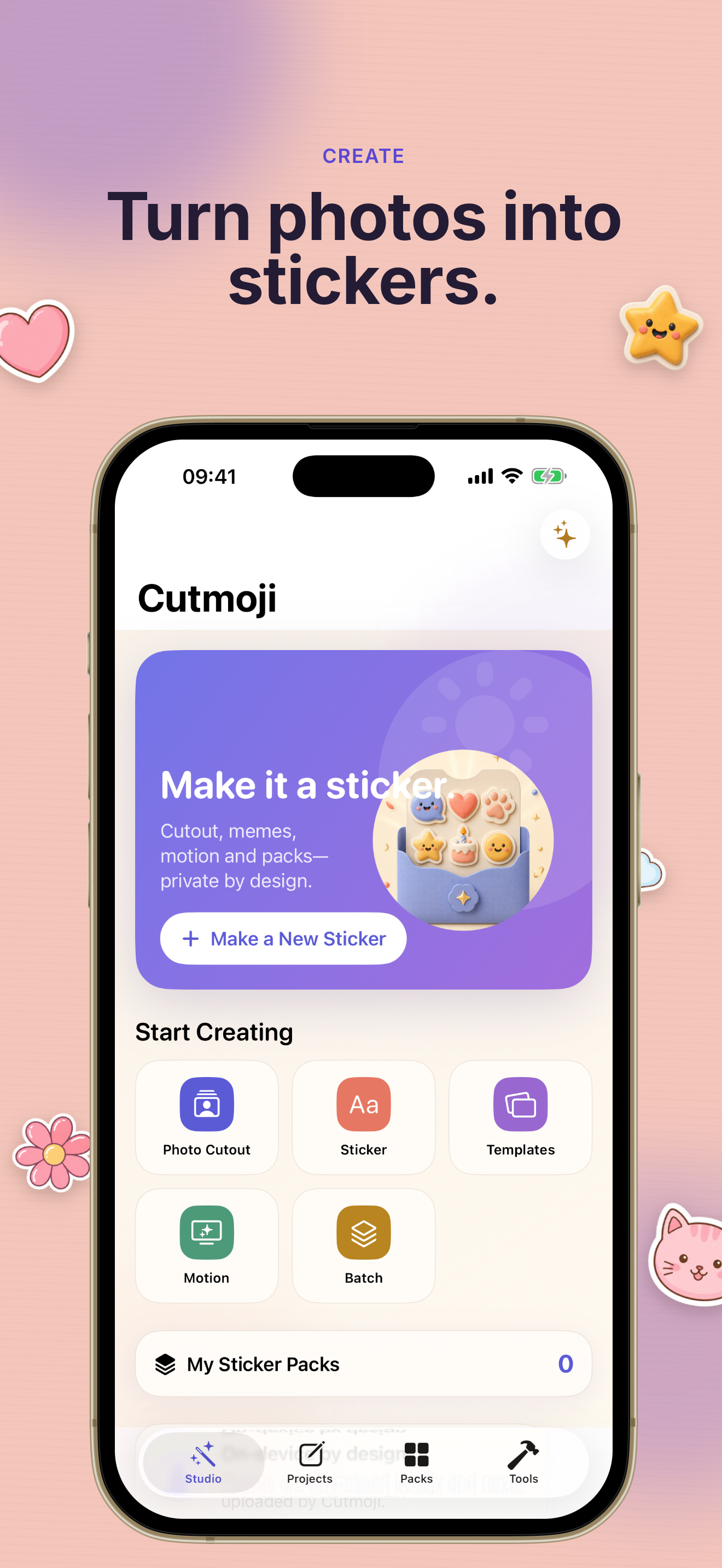
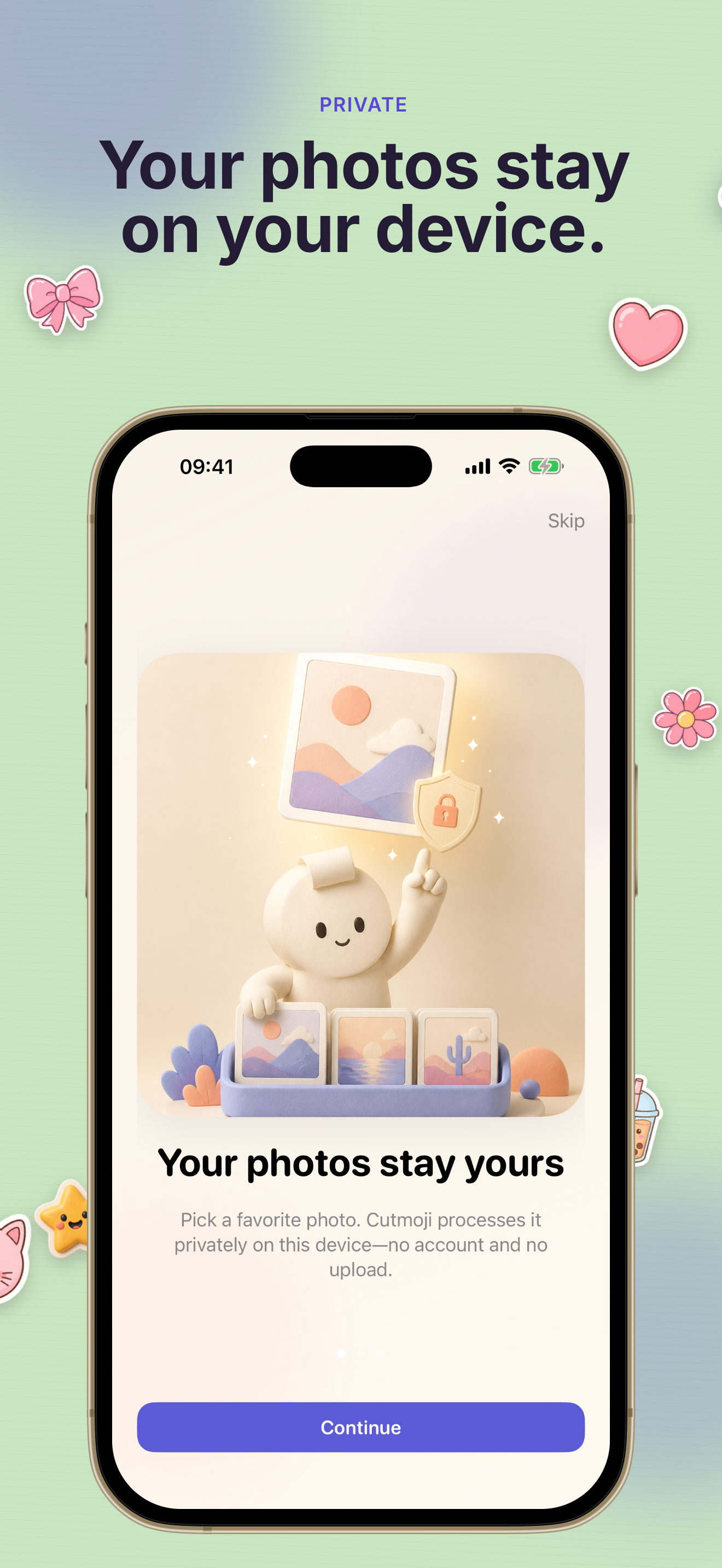
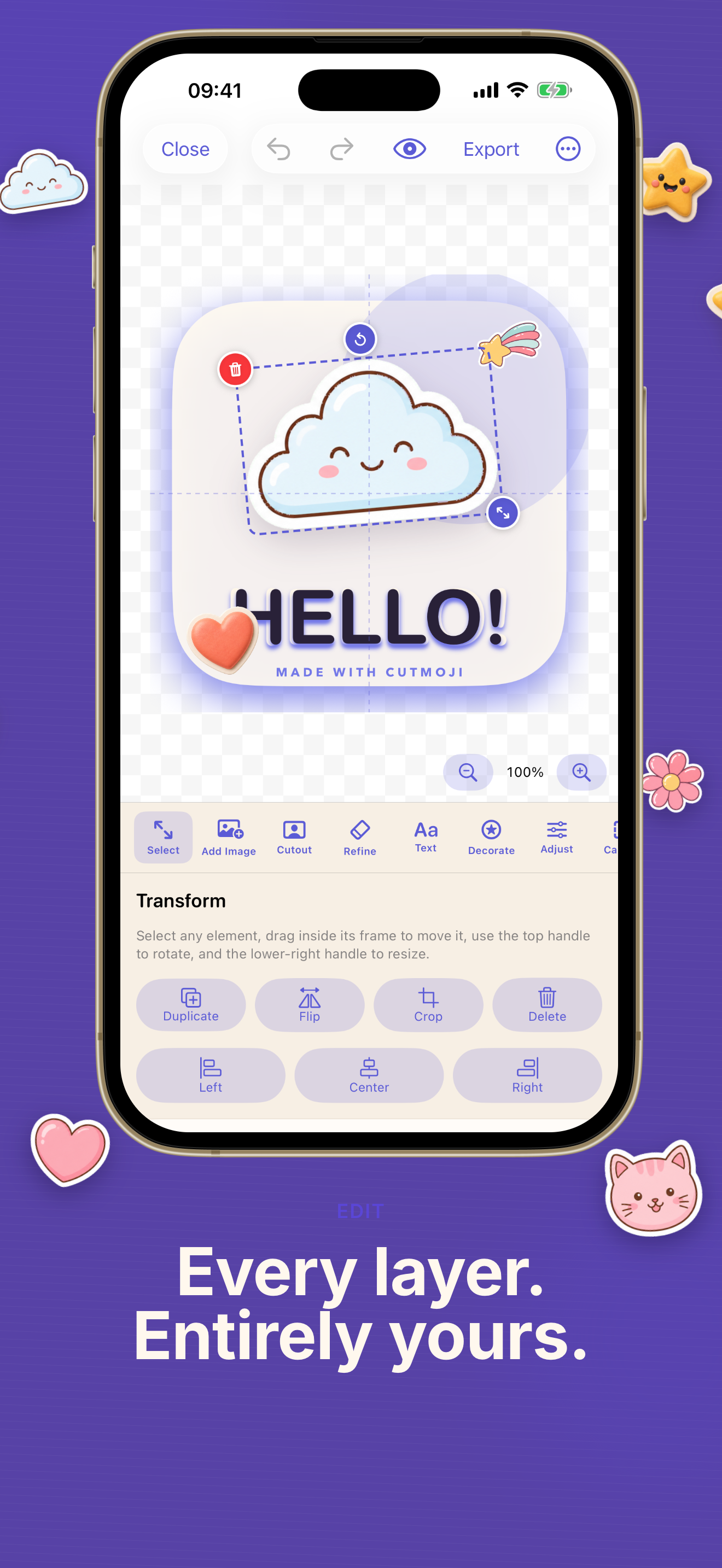
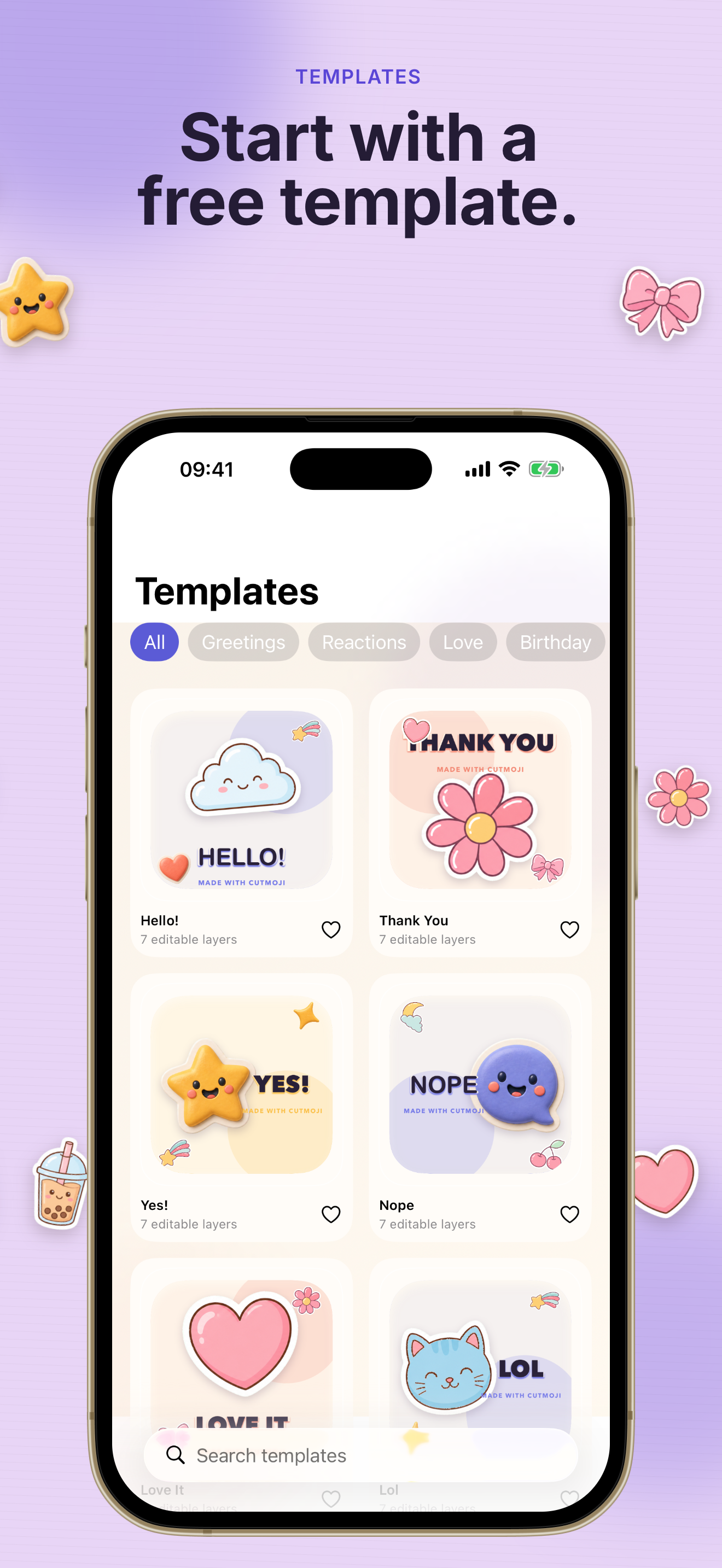
Most sticker apps push uploads, watermarks, or subscriptions. Cutmoji: Sticker Maker keeps the creative work on your iPhone and the results in your chats.
Pick a photo and Cutmoji: Sticker Maker lifts the subject with on-device Apple Vision processing. Your pictures never leave the phone—no account, no cloud upload, no ads while you edit.
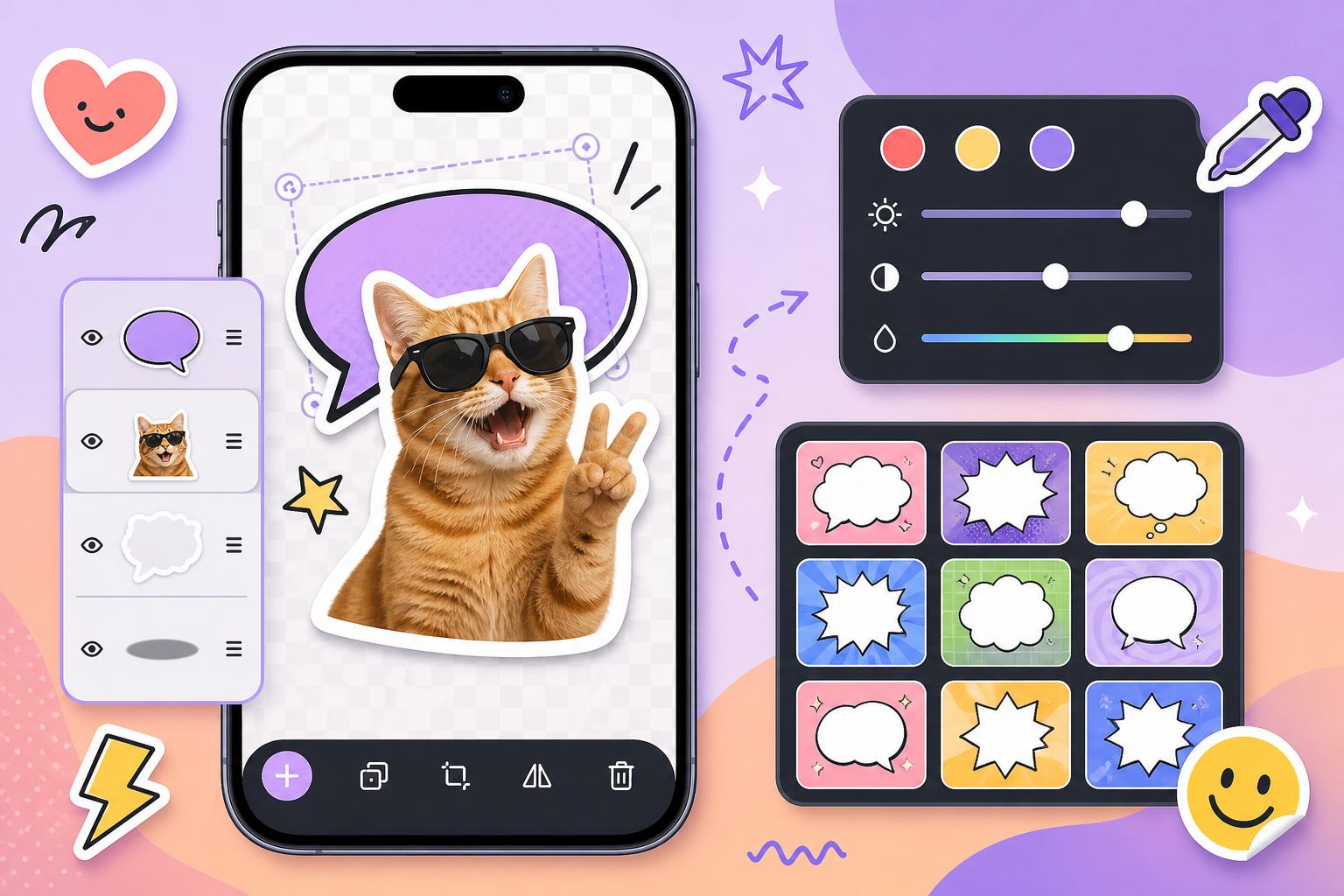
Add text, shapes, white borders, gradients, blend modes, and 24 handcrafted templates. Cutmoji: Sticker Maker gives you a sticker studio that still feels fun when you want a meme, a reaction, or a polished pack.
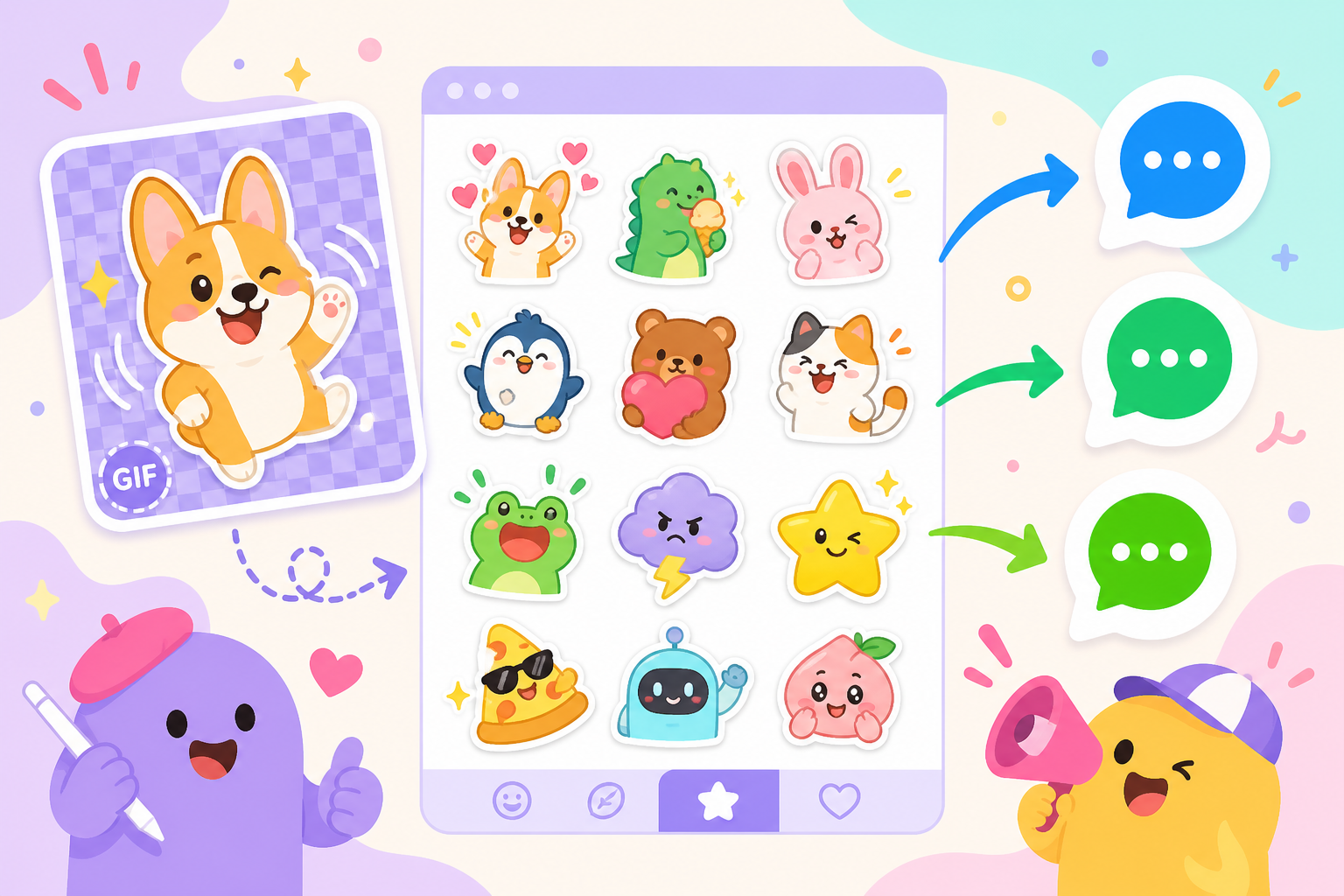
Turn GIFs and short clips into animated stickers, batch-cut a folder of photos, and export platform presets for iMessage, WhatsApp, LINE, and WeChat. Cutmoji: Sticker Maker helps one idea become a whole pack you can reuse.
Everything below runs on your iPhone. Upgrade once with Cutmoji Pro if you want unlimited projects, 4K export, and the full template library.
Feather edges, expand or shrink masks, defringe color spill, fill holes, and refine with an eraser or Apple Pencil.
Photos, Live Photos, GIFs, short videos, camera shots, files, clipboard images, and Share Extension imports.
Start from handcrafted layouts for reactions, captions, memes, and borders—8 free templates included in Cutmoji: Sticker Maker.
Text, shapes, filters, blend modes, grouping, custom fonts, gradients, and non-destructive history.
Save projects, build packs, merge or split sets, and share through the iOS share sheet or Messages extension.
PNG, JPEG, WebP, GIF, APNG, and platform sizes for iMessage, WhatsApp, LINE, and WeChat—free exports ship without forced watermarks.
From first import to a sticker pack you can send in minutes—Cutmoji: Sticker Maker keeps the path short and local.
Open Cutmoji: Sticker Maker, tap Import, and choose from Photos, Camera, Files, or the Share sheet. Everything stays on your iPhone—no sign-in required.
Lift the subject, add a sticker border, drop in text or a template, then fine-tune layers until the Cutmoji: Sticker Maker result feels like you.
Free projects include 3 editable documents, 5 layers, and 8 templates—enough to learn the full Cutmoji: Sticker Maker workflow before upgrading.
Group stickers into a pack, pick an export preset for your chat app, and send. Cutmoji: Sticker Maker also backs up editable projects as ZIP files when you need them again.
Use the Messages sticker extension to keep favorite Cutmoji: Sticker Maker packs one tap away in iMessage.
Read common questionsQuick answers about privacy, pricing, exports, and what Cutmoji: Sticker Maker can do on your iPhone.
No. Cutmoji: Sticker Maker processes cutouts and edits on your iPhone. The app does not upload your photos, stickers, or projects to our servers.
Yes—you can import, cut out, edit, and export stickers without paying. Free Cutmoji: Sticker Maker includes 3 projects, 5 layers, 1 sticker pack, 8 templates, and exports up to 1024px with no forced watermark.
Cutmoji Pro is a one-time purchase—no subscription. It unlocks unlimited projects and layers, all 24 templates, 4K export, motion tools, batch workflows, custom templates, and editable ZIP backup.
Cutmoji: Sticker Maker includes presets for iMessage, WhatsApp, LINE, and WeChat, plus universal PNG sizes. You can also save to Photos or share through the iOS share sheet.
No account is required. Cutmoji: Sticker Maker works offline for editing; network access is only needed for App Store purchases and purchase restoration.
Cutmoji: Sticker Maker requires iOS 17 or later and runs on iPhone and iPad. On-device cutouts use Apple Vision frameworks available on supported devices.
Make cutout stickers, meme reactions, and whole packs—privately on your device.
Start free, upgrade once with Cutmoji Pro if you want the full studio.
No account · No ads · No forced watermark on free exports